
For Shop Owners
Grow Your Shop with Society Kart: A Guide for Local Shop Owners
Run a kiryana store, bakery, restaurant, pharmacy or home kitchen in a housing society? Here is how Society Kart helps you take orders from residents, what it costs, and how to get started.
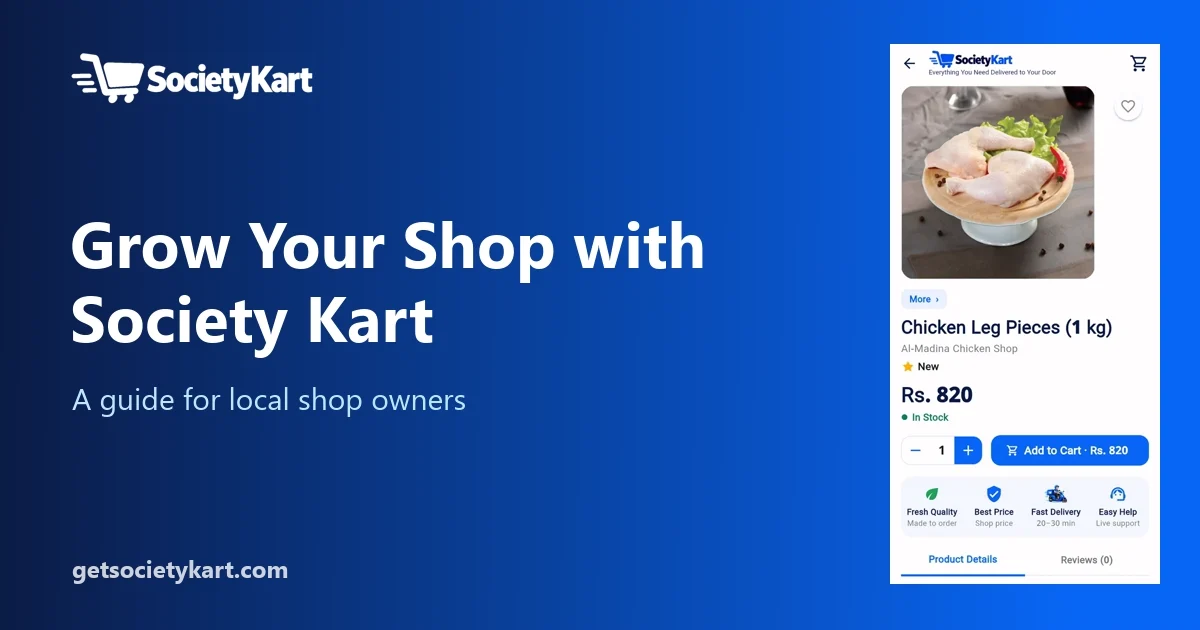
Every housing society has shops that residents trust: the kiryana store that knows what everyone buys, the bakery with the best rusks, the milk shop that opens before sunrise, the restaurant in the main market. Yet most of these shops still depend on walk-in customers and phone calls.
Society Kart gives these shops a simple digital storefront inside an app that residents of the society already use — without complicated contracts or percentage commissions. This guide explains how it works.
Why sell on Society Kart?
- Your neighbours are your customers. Society Kart shows shops from the same society, so residents nearby can find you.
- No delivery fleet needed. Riders from the society pick up and deliver.
- Clear, flat fees. You pay a fixed platform fee per completed order, not a percentage of the bill.
- Your shop, your rules. You set your products, prices, photos and opening hours.
What your shop gets in the app
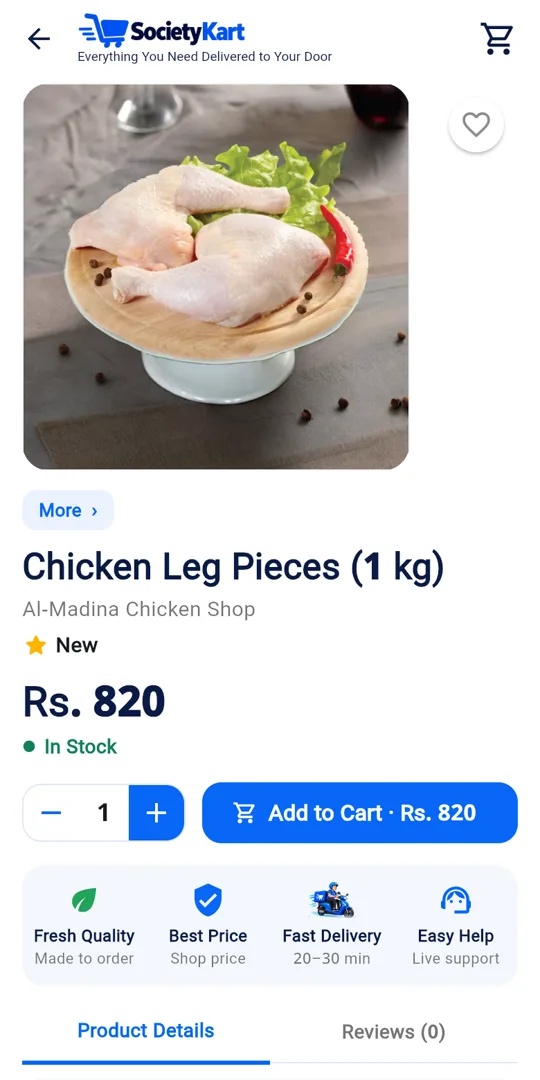
- Shop profile — cover photo, logo, tagline, address and live "Open now / Closed" status.
- Menu and catalogue — products with photos, prices, units (kg, dozen, plate) and stock.
- Menu sections — organise items into sections like Breakfast, Lunch, Roti, Drinks.
- Weekly opening hours — the shop can open and close automatically.
- Order alerts — new orders ring in the app so you can accept them quickly.
- Earnings and dues — see completed orders, fees owed and dues paid.
- Sponsored ads — promote your shop on the app's home screen when you want.
How an order flows for a shop
1. A customer places an order. Your phone rings with a new order alert. 2. You accept or reject it. Reject only if you cannot fulfil it — for example, an item is out of stock. 3. You prepare the order. The status changes to Preparing. 4. A rider arrives, pays you for the items, and takes the order. 5. The rider delivers to the customer, who confirms with a delivery code.
Because the rider pays you at pickup, you receive your money immediately. You never handle the customer's payment or delivery charge.
What it costs
- Platform fee: Rs. 30 per completed order — once per order, not per item.
- No signup fee and no percentage commission.
- Fees are recorded as dues in your earnings screen. You pay them to Society Kart with a payment screenshot, which an admin approves.
- If unpaid dues reach Rs. 1,000, the shop stops receiving new orders until they are cleared — so it is best to clear dues regularly.
Example: a customer orders Rs. 1,200 of groceries. The rider pays you Rs. 1,200 at pickup. Your platform fee for this order is Rs. 30, added to your dues.

Getting started
1. Install the Society Kart app from the website. 2. Open Account → Become a partner and choose your business type. 3. Enter your shop details: name, category, address and market. 4. The Society Kart team verifies your shop. 5. Once approved, add your products and opening hours, and go live.
You can also start by sending us a message.
Tips to get more orders
- Use good photos. Clear, bright product photos on a plain background build trust.
- Keep stock accurate. Mark items unavailable rather than rejecting orders later.
- Accept quickly. Fast acceptance means happier customers and better reviews.
- Set honest hours. Customers trust shops that are open when they say they are.
- Organise your menu into sections so customers find items quickly.
- Try a sponsored ad for a new product or offer — currently Rs. 100 per day.
Advertising on Society Kart
Approved shops can buy a sponsored slide on the app's home screen. You choose 1 to 30 days and see the total before submitting — for example 7 days for Rs. 700. Every ad is reviewed before going live, and rejected ads are not charged. See Advertise and the Advertisement Policy.
Privacy and fairness
Shops do not see customers' phone numbers, and customers do not see yours. Use in-app chat or calls when needed. This protects everyone and keeps orders on the platform, where problems can be resolved fairly with order records. Read the Shop Owner Policy for all the rules.
Frequently asked questions
Do I need my own delivery boy?
No. Society Kart riders from your society deliver orders.
Can I set different prices from my counter prices?
You set your prices in the app. Honest, consistent pricing builds trust with residents.
What if a customer complains?
The support team reviews the case with you and the rider, using the order records.
Can a home kitchen join?
Yes, home kitchens and small food businesses can apply. All partners are verified.
Order from shops in your society with Society Kart.
Explore Society Kart